
Your personal AI infrastructure should be simple and comprehensible. It should allow you to do the same things or better for less time or effort. It should lower the frontier to do difficult things, such that you can explore things you would not have otherwise. Such is true of most software products, but AI is a phase change.
I've been working toward this goal for over a year. Here's a writeup of what I can broadly recommend. Don't try to do it all at once. You need to understand it for it to be most useful to you, and to do that you should develop your solution incrementally.
My agent config is versioned infrastructure. Each piece below swappable without touching the rest:
Feel free to exchange Anthropic and OpenAI models below depending on your preferences and subscriptions.
notes vault, not in any tool's own config directory.ln -s ~/notes/agents/CLAUDE.md ~/.claude/CLAUDE.md — every tool points at the same target.CLAUDE.md; Codex CLI and a growing list of others read the emerging AGENTS.md convention — symlink both filenames to the same source if a tool needs the other name.AGENTS.md for what doesn't.A generic global file looks like this, but it should be personalized to match your conventions and proclivities:
Universal guidance for any agent (Claude, Codex, others) in any repo. This file
lives in my knowledge base and is symlinked into every tool's config directory,
so there is only one canonical copy, editable from wherever I happen to be.
Repo-specific rules live in that repo's own AGENTS.md.
## General guidelines
- Prefer quality, simplicity, and long-term maintainability over development
speed. Simplicity is the final achievement, not the starting compromise.
- Smallest possible diff. Read the referenced files before claiming anything.
- Fix bugs by reproducing them first, then fix the actual cause, not the
symptom.
- Never manually edit generated files (changelogs, lockfiles, exports).
## My knowledge base
Persistent knowledge — decisions, projects, preferences, research — lives in
my notes, not in this file. When a task needs context I don't already have,
that's where to look. Rule of thumb: tooling that's topic-agnostic belongs in
a skill; otherwise it belongs in the notes.
## Work efficiently
Context gets re-billed on every turn, so keep it lean:
- Read a file once per session.
- Delegate exploration and grep sweeps to subagents; keep the main thread
for judgment calls.
- Hand off long-running work to a fresh session rather than letting one
thread run indefinitely.
## Subagents and models
You are an orchestrator. Delegate liberally. Send to a subagent: exploration
touching more than a couple of files, log or grep sweeps, parallel independent
workstreams, second opinions on hard calls, diff-heavy implementation.
- Default model for most reasoning and code.
- Escalate to a stronger model for ambiguous design or security calls, and
for a real second opinion — have it argue against the first conclusion,
not just confirm it.
- A second CLI agent is wired in as an independent read on anything a
single model might rubber-stamp.
## Task tracking
Track non-trivial work in a task tracker, not ad hoc TODO comments.
## Git
- Pull before starting, commit after each logical unit.
- Private repos I own: push freely and often.
- Anyone else's repo, or unclear ownership: commit locally, don't push
without asking.
Skills are topic-agnostic bundles of context; for most skills, your agents should use them without you in the loop.
A template for authoring one:
---
name: skill-name-in-kebab-case
description: State what this does and when to trigger it. The description is the only thing the routing model sees before deciding to invoke you — front-load concrete trigger conditions (specific phrases, file types, task shapes), not a vague summary.
---
# /skill-name
## Purpose
One paragraph: what this skill produces and why it exists as a skill rather
than being handled inline.
## When to use
- Concrete trigger: the user says X
- Concrete trigger: the task touches a file matching Y
- Concrete trigger: the task shape looks like Z
## When NOT to use
- The adjacent case this skill should NOT claim — say so explicitly, since
this is what keeps two similar skills from fighting over the same trigger
## Process
1. What to gather or ask before acting
2. The core transformation or generation
3. Verification — how you know the output is right before handing it back
## Output format
What the final artifact looks like (file, structured data, direct response)
and where it goes.
## Example invocations
A short before/after: rough input to what the skill should produce.
Every agent is actually an orchestrator of its subagents.
Coordinating several subagents on a task with real interdependencies — this piece finishes before that one starts, these three run in parallel, this output needs a synthesis pass before anything downstream can use it — is still a manual call. It gets harder as the subagent count grows, and it's tempting to treat that as a sign you need a third-party scheduler.
Don't reach for one yet. Claude Code's own agent dispatch — launching subagents directly, deciding by hand what runs in parallel and where the synthesis points are — already covers most tasks. Access the agents interface via claude agents from the CLI, or the regular sidebar from Claude Desktop. By adopting the root CLAUDE.md above, your agents will already use subagents liberally and to great effect.
A custom orchestration layer solves a problem most setups haven't hit yet; building one before you've felt the ceiling is premature infrastructure, the same mistake as installing five plugins on day one.
Beads covers the one piece of this that's actually tedious; it offers a git-backed, agent-queryable dependency task graph. bd ready lists what's unblocked, agents claim and close their own work, and the record survives past the session that created it.
For actual scheduling — automatic parallelization, synthesis passes, retries — Gas City (with a friendly introduction) is what I use, on a separate VM, but the overhead is too substantial to recommend universally. Standing up a scheduler is a heavier lift than the ad hoc coordination it replaces, and it isn't worth that lift until hand-coordinating subagents is the actual bottleneck, not just mildly annoying. These days dynamic workflows are sufficient alternatives for most users.
Models accessible via CLI are accessible to other models, which they should use just as much as subagents.
A snippet to add to your own global file:
## Second opinions
A second CLI agent (Codex) runs alongside the primary one. Two uses:
- Ask it to independently re-check a call already made — a security
read, an architecture decision, anything worth being wrong about.
- Hand it a separate piece of the same task to run in parallel when
the bottleneck is just needing more hands.
Default to using it, not just reaching for it after something already
went wrong.
Where do you put everything you and your agent both need to regularly access?
Projects/<Category>/<Project>/ per active thing, each with a Brief.md — what it is, current state, open decisions — written so a cold read needs no context reconstructionSystem/ area, not scattered per-project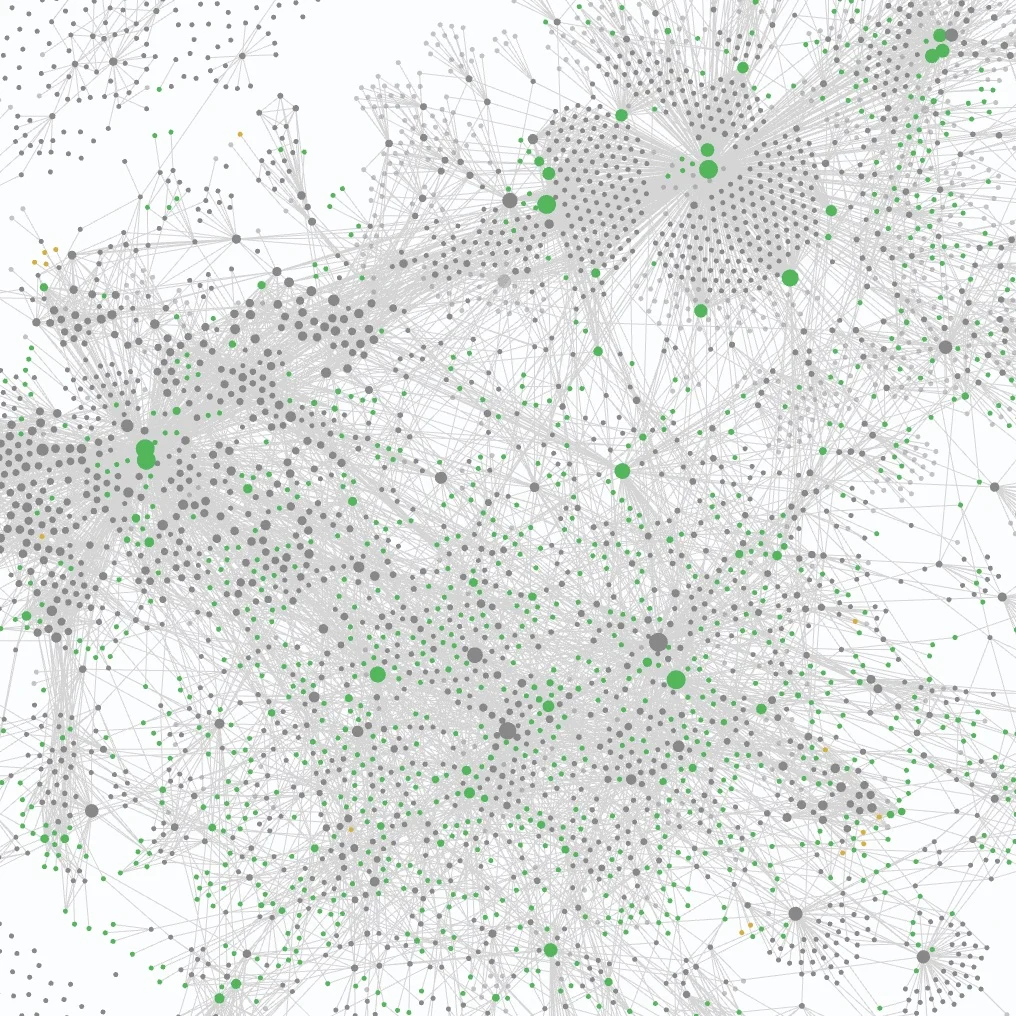 A slice of my personal graph. Scale doesn't guarantee complexity—the structure underneath is still just Projects, People, Meetings, System.
Beyond particular plugins, keep in mind:
git log. The fix isn't a better memory plugin. It's a rule: the codebase is the only thing an agent is allowed to treat as ground truth, and anything else gets verified against it, not substituted for it.That's most of what you need. The rest is the specific rules and preferences that only sound right in your own voice — no writeup hands you those.
Don't adopt all of it at once. Start with the config file: one canonical CLAUDE.md, symlinked, versioned. Add a skill when a habit gets tedious enough to formalize, not before. Add a plugin when its absence actually costs you something, not because a list made it sound necessary. None of these pieces needs the others in place first, so there's no wrong order to start in — just a wrong instinct to install everything in one sitting.
Build it to help you, not to look complete. Iterate.